
Coding Tools
The Top 5 Key Coding Tools

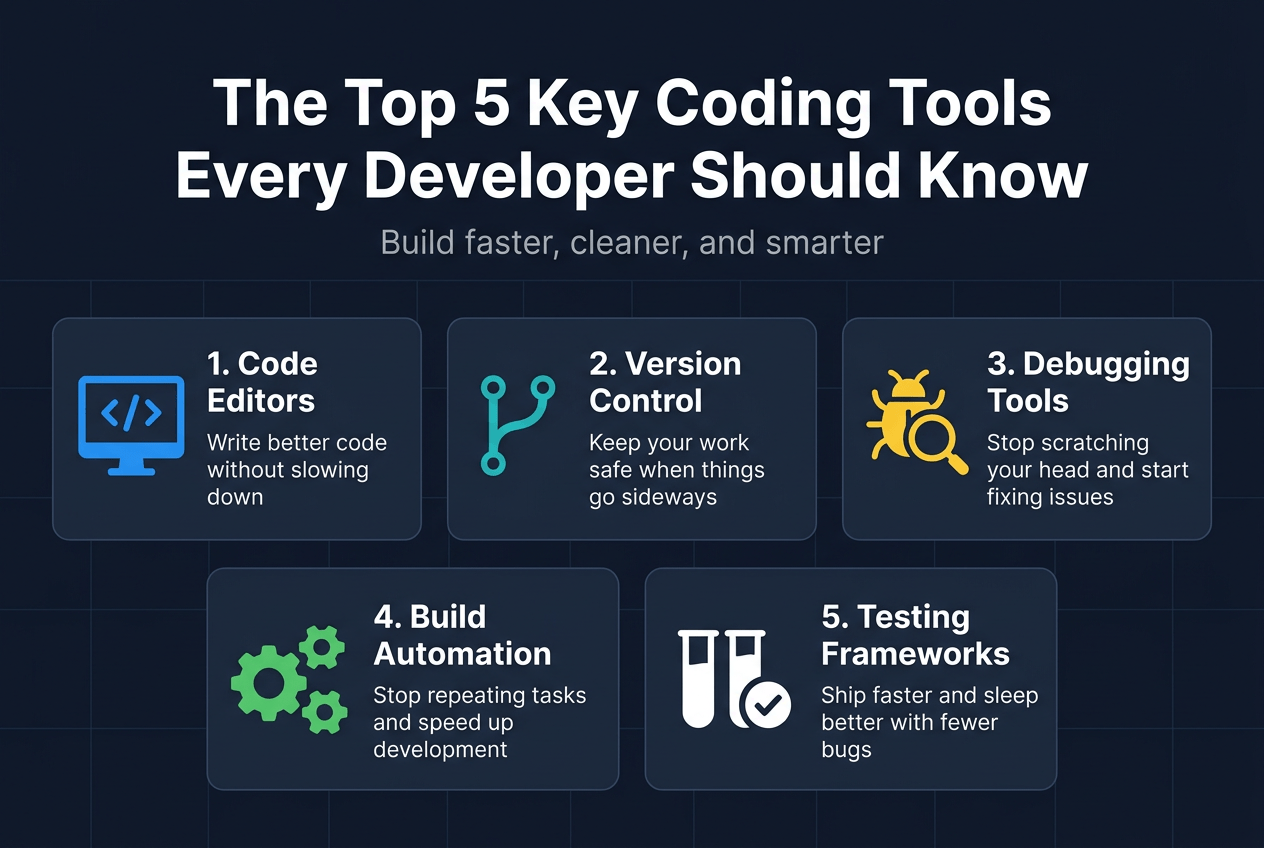
The Top 5 Key Coding Tools Every Developer Should Know
The-top-5-key-coding-toolsLevel up your programming workflow. Discover five essential coding tools every developer needs to build, debug, and ship software faster.
Introduction;
If you’re a developer trying to cut through the noise and build faster, cleaner, and smarter — this list is for you. Beginners figuring out their first workflow and seasoned engineers refining their setup will both find something useful here.
We’ll walk through the tools that actually move the needle: the code editors that help you write better code without slowing down, the version control systems that keep your work safe when things go sideways, and the debugging tools that stop you from losing hours chasing down a single broken line.
Code Editors That Boost Your Productivity
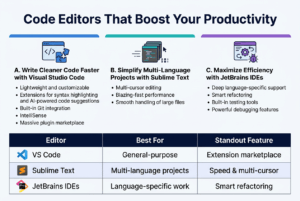
A. Write Cleaner Code Faster with Visual Studio Code
VS Code has become the go-to editor for millions of developers, and honestly, it’s easy to see why. It’s lightweight, endlessly customizable, and packed with extensions that handle everything from syntax highlighting to AI-powered code suggestions. Built-in Git integration, IntelliSense, and a massive marketplace of plugins make it one of the top coding tools you can add to your workflow today.
B. Simplify Multi-Language Projects with Sublime Text
Sublime Text shines when you’re juggling multiple languages in a single project. Its multi-cursor editing and blazing-fast performance keep things smooth even with large files open.
C. Maximize Efficiency with JetBrains IDEs
JetBrains IDEs like IntelliJ and PyCharm are built for developers who want deep language-specific support right out of the box. Smart refactoring, built-in testing tools, and powerful debugging features save serious time daily.
| Editor | Best For | Standout Feature |
|---|---|---|
| VS Code | General-purpose | Extension marketplace |
| Sublime Text | Multi-language projects | Speed & multi-cursor |
| JetBrains IDEs | Language-specific work | Smart refactoring |
Version Control Tools That Protect Your Work
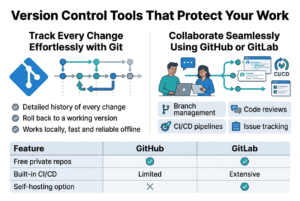
Track Every Change Effortlessly with Git
Git is hands down one of the most essential tools in any developer’s toolkit. It keeps a detailed history of every change you make to your code, so if something breaks, you can roll back to a working version without breaking a sweat. No more frantically trying to remember what you changed last Tuesday. Git works locally on your machine, making it fast and reliable even without an internet connection.
Collaborate Seamlessly Using GitHub or GitLab
GitHub and GitLab take Git’s power and add a collaborative layer on top. You can review teammates’ code through pull requests, catch bugs before they hit production, and keep everyone working on the same page. Both platforms offer:
- Branch management – work on features without touching the main codebase
- Code reviews – leave inline comments directly on changed lines
- CI/CD pipelines – automate testing and deployment effortlessly
- Issue tracking – manage bugs and tasks alongside your code
| Feature | GitHub | GitLab |
|---|---|---|
| Free private repos | ✅ | ✅ |
| Built-in CI/CD | Limited | Extensive |
| Self-hosting option | ❌ | ✅ |
Debugging Tools That Save You Hours of Frustration
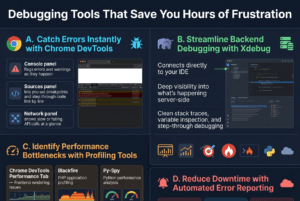
A. Catch Errors Instantly with Chrome DevTools
Chrome DevTools is built right into your browser, making it one of the easiest debugging tools to access. You can inspect elements, monitor network requests, and catch JavaScript errors in real time without switching between apps.
- Console panel flags errors and warnings as they happen
- Sources panel lets you set breakpoints and step through code line by line
- Network panel shows slow or failing API calls at a glance
B. Streamline Backend Debugging with Xdebug
Xdebug is a PHP extension that connects directly to your IDE, giving you deep visibility into what’s happening server-side. Instead of dumping variables everywhere, you get clean stack traces, variable inspection, and step-through debugging.
C. Identify Performance Bottlenecks with Profiling Tools
| Tool | Best For |
|---|---|
| Chrome DevTools Performance Tab | Frontend rendering issues |
| Blackfire | PHP application profiling |
| Py-Spy | Python performance analysis |
D. Reduce Downtime with Automated Error Reporting
Tools like Sentry and Rollbar automatically capture and report errors the moment they hit production. You get instant alerts with full context — stack traces, user data, and affected environments — so you can fix issues before most users even notice something went wrong.
Package Managers That Simplify Dependency Management
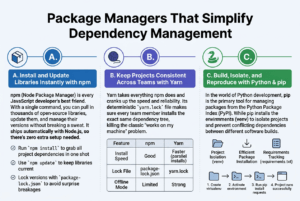
A. Install and Update Libraries Instantly with npm
npm (Node Package Manager) is every JavaScript developer’s best friend. With a single command, you can pull in thousands of open-source libraries, update them, and manage their versions without breaking a sweat. It ships automatically with Node.js, so there’s zero extra setup needed.
- Run
npm installto grab all project dependencies in one shot - Use
npm updateto keep libraries current - Lock versions with
package-lock.jsonto avoid surprise breakages
B. Keep Projects Consistent Across Teams with Yarn
Yarn takes everything npm does and cranks up the speed and reliability. Its deterministic yarn.lock file makes sure every team member installs the exact same dependency tree, killing the classic “works on my machine” problem.
| Feature | npm | Yarn |
|---|---|---|
| Install Speed | Good | Faster (parallel installs) |
| Lock File | package-lock.json | yarn.lock |
| Offline Mode | Limited | Strong |
C. Manage Python Environments Cleanly with pip
pip is Python’s go-to package manager, letting you install and manage libraries your project depends on. Pair it with virtualenv or venv to create isolated environments, so different projects never step on each other’s toes.
- Install packages:
pip install requests - Freeze dependencies:
pip freeze > requirements.txt - Recreate environments anywhere:
pip install -r requirements.txt
These three tool are genuinely among the top 5 key coding tools every developer should have locked into their workflow from day one.
To Read more Aritcles this type Click Here
Collaboration and Project Management Tools That Keep Teams Aligned
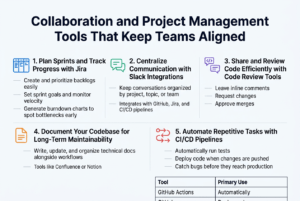
A. Plan Sprints and Track Progress with Jira
Jira is a go-to tool for teams that need to stay on top of tasks, deadlines, and sprint goals. You can break big projects into manageable chunks, assign work to teammates, and track progress in real time through kanban or scrum boards.
- Create and prioritize backlogs easily
- Set sprint goals and monitor velocity
- Generate burndown charts to spot bottlenecks early
B. Centralize Communication with Slack Integrations
Slack keeps your team’s conversations organized by project, topic, or team. With integrations connected to GitHub, Jira, or CI/CD pipelines, you get instant notifications right where your team is already talking.
C. Share and Review Code Efficiently with Code Review Tools
Tools like GitHub Pull Requests and Gerrit make peer code reviews structured and trackable. Reviewers can leave inline comments, request changes, and approve merges, all without jumping between platforms.
D. Document Your Codebase for Long-Term Maintainability
Good documentation saves future-you from serious headaches. Tools like Confluence or Notion let teams write, update, and organize technical docs alongside their workflows.
E. Automate Repetitive Tasks with CI/CD Pipelines
CI/CD tools like GitHub Actions, Jenkins, or CircleCI automatically run tests and deploy code whenever changes are pushed. This cuts down on manual work and catches bugs before they reach production.
| Tool | Primary Use |
|---|---|
| GitHub Actions | Automated testing & deployment |
| Jenkins | Custom pipeline automation |
| CircleCI | Fast, scalable CI/CD workflows |
Concolusion:
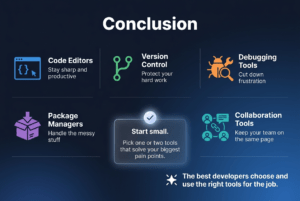
The right coding tools can make a massive difference in how smoothly your day-to-day development work flows. From code editors that keep you sharp and productive, to version control systems that protect your hard work, debugging tools that cut down frustration, package managers that handle the messy stuff, and collaboration tools that keep your team on the same page — each one plays a real role in helping you write better code, faster.
Start small if you need to. Pick one or two tools from this list that address your biggest pain points right now and get comfortable with them before adding more to your stack. Once these become second nature, you’ll wonder how you ever managed without them. The best developers aren’t just great coders — they’re great at choosing and using the right tools for the job.
To Read more Aritcles this type Click Here

-

 Solar Gadgets3 months ago
Crucial Fronus PV5200 Program Settings Explained
-

 Coding Tools2 months ago
Common Errors: “Out of Memory” fix
-

 Coding Tools2 months ago
How to Set Up Continue AI Offline?
-

 Solar Inverter2 months ago
How to Configure Your Solar Inverter Manual
-

 Solar Inverter2 months ago
How to set inverter for 24 hour backup
-

 Solar Gadgets2 months ago
7 Best Solar Powered Camping Gear 2026
Pingback: Online Tools to Humanize Ai Text - Techmatrixs