
Solar Gadgets
Crucial Fronus PV5200 Program Settings Explained

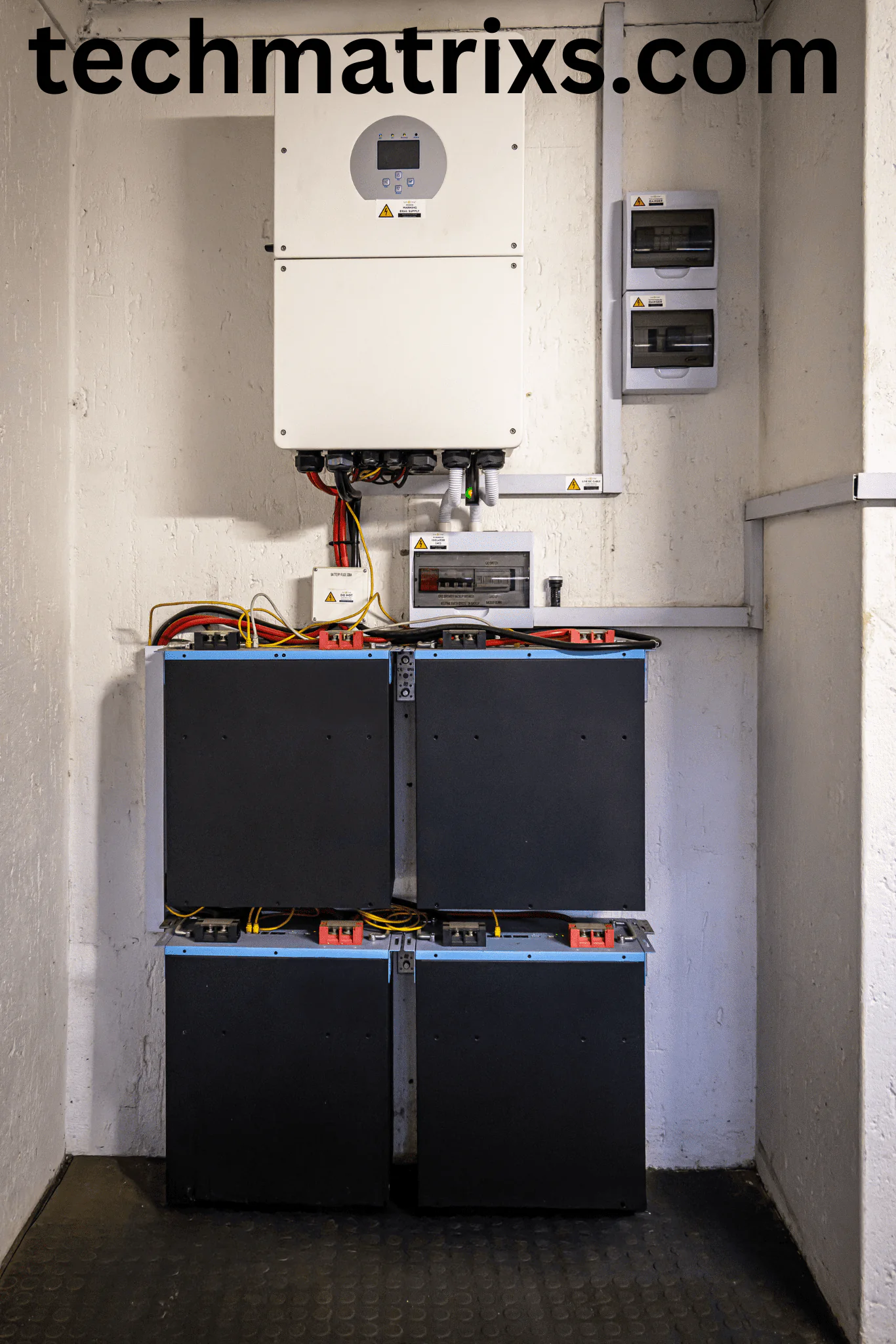
Crucial Fronus PV5200 Program Settings Explained
To get the most out of your Fronus PV 5200, you need to tailor its parameters to your specific load requirements, grid availability, and battery chemistry. Here are the most important settings you need to configure:

Program 01: Output Source Priority Circal Fronus
This setting dictates where the inverter draws power from to run your home appliances.
- USB (Utility First): The grid provides power to the loads. Solar and battery power are only used if the grid fails. This is ideal for areas with cheap electricity or if you are using the inverter primarily as a UPS.
- SUB (Solar, Utility, Battery): The inverter powers loads using solar energy first. If solar is insufficient, it blends in grid power. The battery is only used if both solar and grid are unavailable.
- SBU (Solar, Battery, Utility) – Recommended for Maximum Savings: Solar energy powers the loads first. If solar is not enough, the inverter draws from the battery. The grid is only used when the battery drops below a specific voltage threshold (configured in Program 12).
Program 02: Maximum Charging Current
This setting defines the total maximum charging current (from both Solar and Grid combined) that will be sent to your battery bank. The Fronus PV5200 supports a massive charging current of up to 120A.
- Configuration Tip: Do not blindly set this to 120A. The setting must match your battery bank’s capacity. A general rule of thumb for Lead-Acid/Tubular batteries is to charge at 10% to 15% of their total Ah capacity. For Lithium batteries, refer to the manufacturer’s recommended C-rate (often 0.5C).
Program 03: AC Input Voltage Range
This determines how sensitive the inverter is to grid voltage fluctuations.
- APL (Appliances): Accepts a wider voltage range (typically 90-280VAC). Use this if your local grid is highly unstable and you want to prevent the inverter from constantly switching to battery power.
- UPS (Uninterruptible Power Supply): Narrows the acceptable range (170-280VAC). Use this if you are running sensitive electronics like desktop computers or medical equipment that cannot handle voltage drops.
Program 05: Battery Type
Setting the correct battery chemistry is arguably the most critical step to prevent premature battery failure.
- AGM: For standard AGM batteries.
- FLD: For Flooded/Tubular lead-acid batteries.
- USE (User-Defined): Select this if you are using Lithium-ion or LiFePO4 batteries. Selecting “USE” unlocks Programs 26, 27, and 29, allowing you to manually input the exact Bulk Charging Voltage, Floating Charging Voltage, and Low DC Cut-off Voltage required by your lithium BMS (Battery Management System).
Program 12 & 13: SBU Voltage Thresholds (For 24V Systems)
If you selected SBU in Program 01, these two settings control when the inverter switches between the battery and the grid.
- Program 12 (Back to Grid Voltage): This is the low-voltage threshold. For a 24V system, setting this to around 23.0V to 23.5V ensures your batteries aren’t drained too deeply before the grid takes over.
- Program 13 (Back to Battery Voltage): This dictates when the inverter switches back to battery power after being recharged. Setting this to 27.0V or higher ensures the batteries are adequately charged before they take the load again.
Program 16: Charger Source Priority
This setting tells the inverter how to prioritize charging the battery.
- CSO (Solar First): Solar energy charges the battery as a priority. The grid will only charge the battery if solar energy is completely unavailable.
- SNU (Solar and Utility): Both solar and the grid charge the battery simultaneously. This is useful if you have frequent, long power outages and need the battery charged as fast as possible.
- OSO (Only Solar) – Recommended for Off-Grid/High Savings: The battery is charged strictly by solar panels, even if the grid is available. This maximizes your return on investment by ensuring you never pay the utility company to charge your batteries.

Advanced Features of the Fronus Platinum PV 5200
Beyond the basic settings, the Fronus PV5200 comes packed with next-generation features that make it stand out in the 4kW category.
Read related articles click here
1. Batteryless Operation
One of the most significant advantages of the PV5200 is its ability to operate without a battery bank. If you have a stable grid and want to save on the upfront cost of batteries, you can connect your solar panels directly to the inverter. The high PV input voltage range (90VDC to 450VDC) allows the inverter to convert solar energy directly into usable AC power for your home during the day.
2. Dual Output (Smart Load Management)
The inverter features a main output and a second “smart” output. The maximum main load is 4200W, while the second load supports up to 1386W (in battery mode). You can configure the inverter to drop the secondary load (like a heavy air conditioner or water pump) when the battery voltage gets too low, preserving power for essential appliances on the main output.
3. Net Metering Capability
The Fronus PV5200 supports grid-tie operations. If your local utility allows it, you can export excess solar energy back to the grid, spinning your meter backward and drastically reducing your monthly electricity bills.
Maintenance and Best Practices Crucial Fronus
To ensure your Fronus PV5200 operates flawlessly for years to come, keep the following best practices in mind:
- Clean the Anti-Dust Kit: The PV5200 comes with a built-in anti-dust kit designed for harsh environments. Check and clean this filter every few months to ensure proper airflow and prevent overheating.
- Utilize WiFi Monitoring: The inverter supports WiFi and GPRS connectivity for both iOS and Android. Download the dedicated app to monitor your solar generation, battery status, and load consumption in real-time. This makes it incredibly easy to spot inefficiencies.
- Firmware Updates: Occasionally check the Fronus website or app for firmware updates, which can improve MPPT tracking efficiency and add new features.
- Read more articles this type click here www.techmatrixs.com

Conclusion
The Fronus Platinum PV 5200 is a highly capable, feature-rich hybrid inverter that offers incredible flexibility for 24V solar setups. By taking the time to properly configure settings like Output Source Priority (Program 01), Battery Type (Program 05), and Charger Source Priority (Program 16), you can maximize your solar harvest, protect your battery investment, and achieve true energy independence.
Disclaimer: While this guide covers the standard settings, always refer to your specific battery manufacturer’s datasheet for exact voltage parameters. If you are unsure about any electrical connections or configurations, consult a certified solar technician.

-

 Coding Tools4 months ago
Common Errors: “Out of Memory” fix
-

 Coding Tools4 months ago
How to Set Up Continue AI Offline?
-
 Solar Inverter4 months ago
How to Configure Your Solar Inverter Manual
-

 Solar Gadgets4 months ago
7 Best Solar Powered Camping Gear 2026
-
 Solar Inverter4 months ago
How to set inverter for 24 hour backup
-

 Coding Tools4 months ago
ollama install windows 10 step by step
Pingback: How to Configure Your Solar Inverter Manual - Techmatrixs
Pingback: How to set inverter for 24 hour backup - Techmatrixs